BROWSER EXTENSION
Connect your X account.
Start with read-only identification.
The extension supports website pairing, account identification and automated replies for started plans. Keep the browser, extension and matching X account online. Installing, pairing or reconnecting does not start or resume tasks.
- Separate status and controls for reply and creation tasks
- Current steps and recent logs stay in one compact area
- Dedicated access to discovery, monitoring and website tools
- 001
Read topics and exclusions
- 002
Read the discussion and reference information · example
- 003
Compose a reply in the account voice
- 004
Check post, account and send conditions · example
- 005
Verify the execution outcome
LIVE STEPS & ACTIVITY
Your task state and controls, a sidebar away.
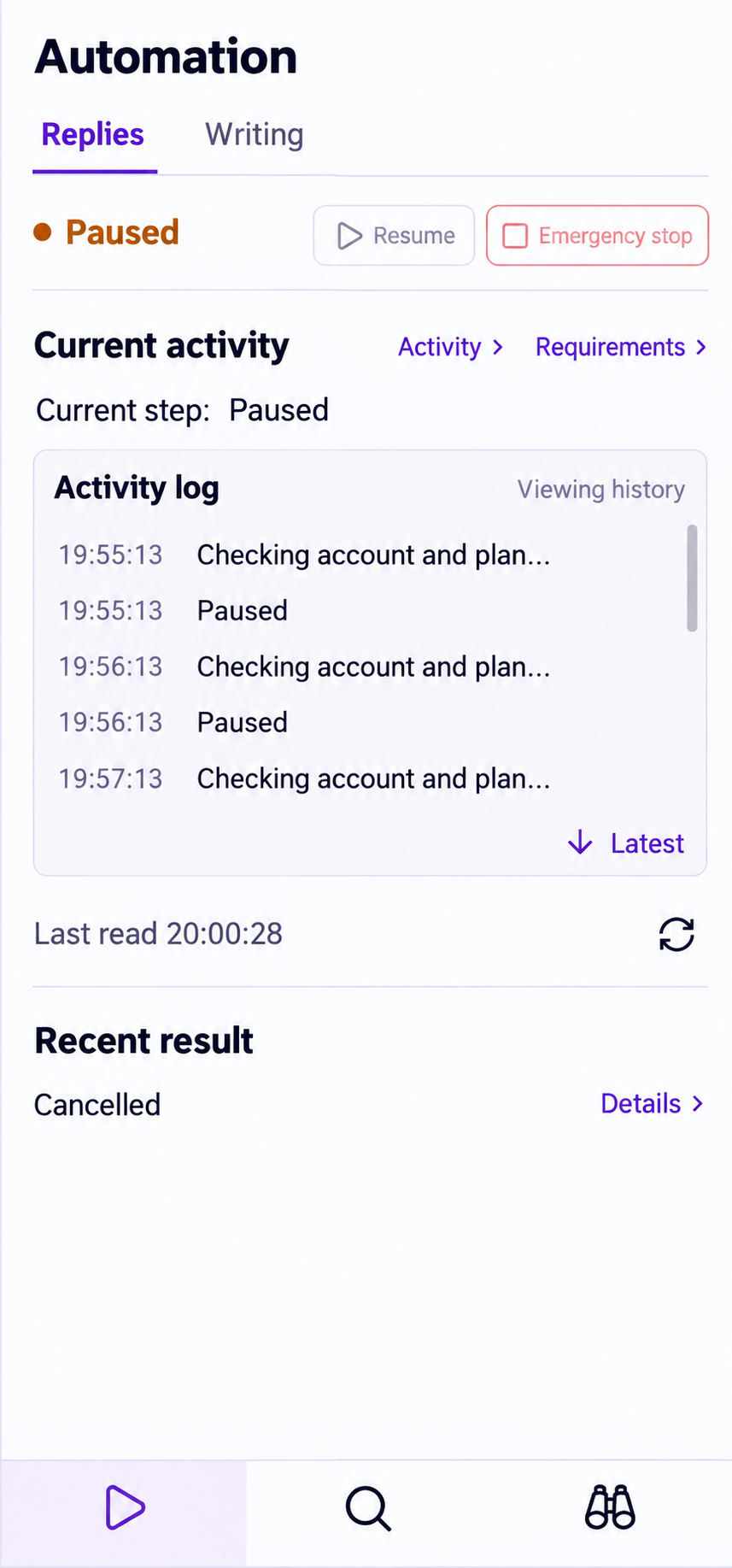
Review reply and creation states separately. Keep current steps, activity and controls together. Review records while paused and decide when to continue after adjusting your strategy.
Open activity records and recent outputs to find the content behind a task state.
THREE WORK AREAS
Follow tasks, discussions and account updates in your sidebar.
Automation
Inspect reply and creation tasks, follow their steps and recent outcomes, and pause when needed.
Explore auto repliesDiscovery
Filter observed posts and inspect their original text, eligibility and associated content.
Explore discoveryMonitoring
Maintain selected accounts, manually refresh recent visible posts and expand their text.
Explore monitoringWEBSITE & EXTENSION
Open the associated draft to keep writing and planning.
Use the full website workspace for long-form editing, drafts, content planning and strategy. Open those areas from the extension’s website menu, or return to the associated draft from existing output.
Explore drafts and content planningExplain the user’s task in a launch announcement
Post · associated with the creation task
The extension’s output entry opens the corresponding draft on the website.